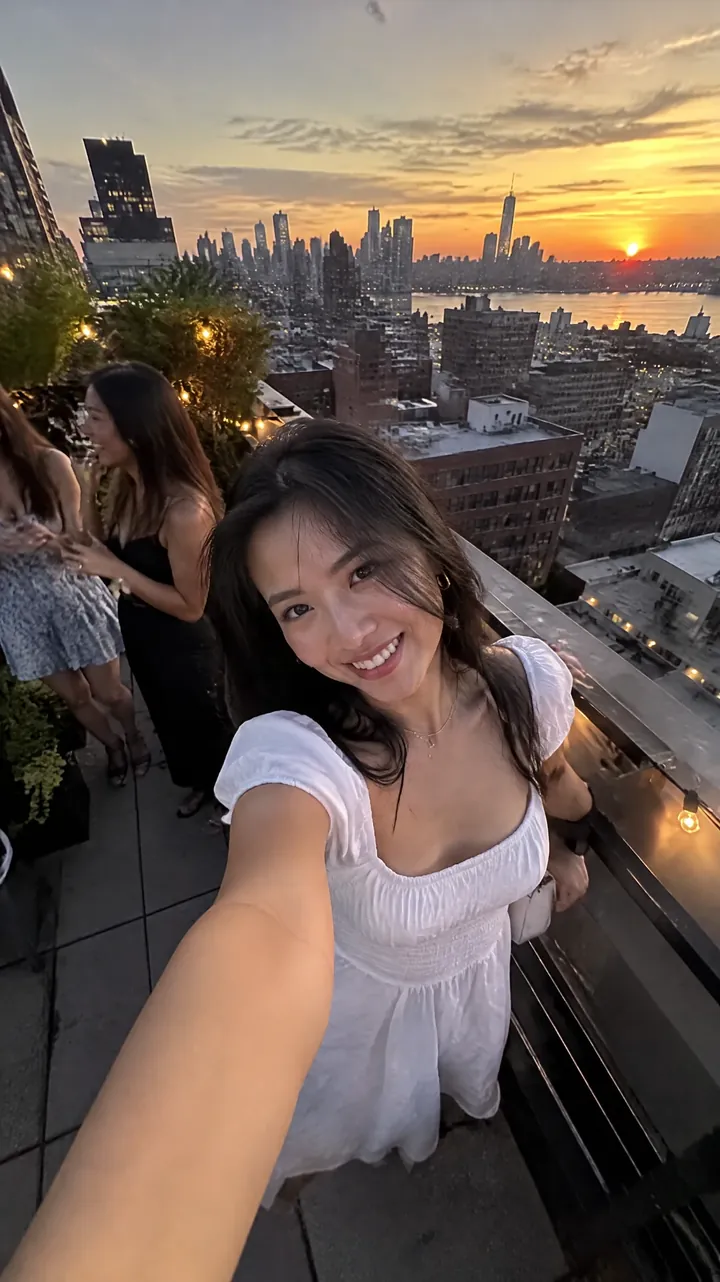
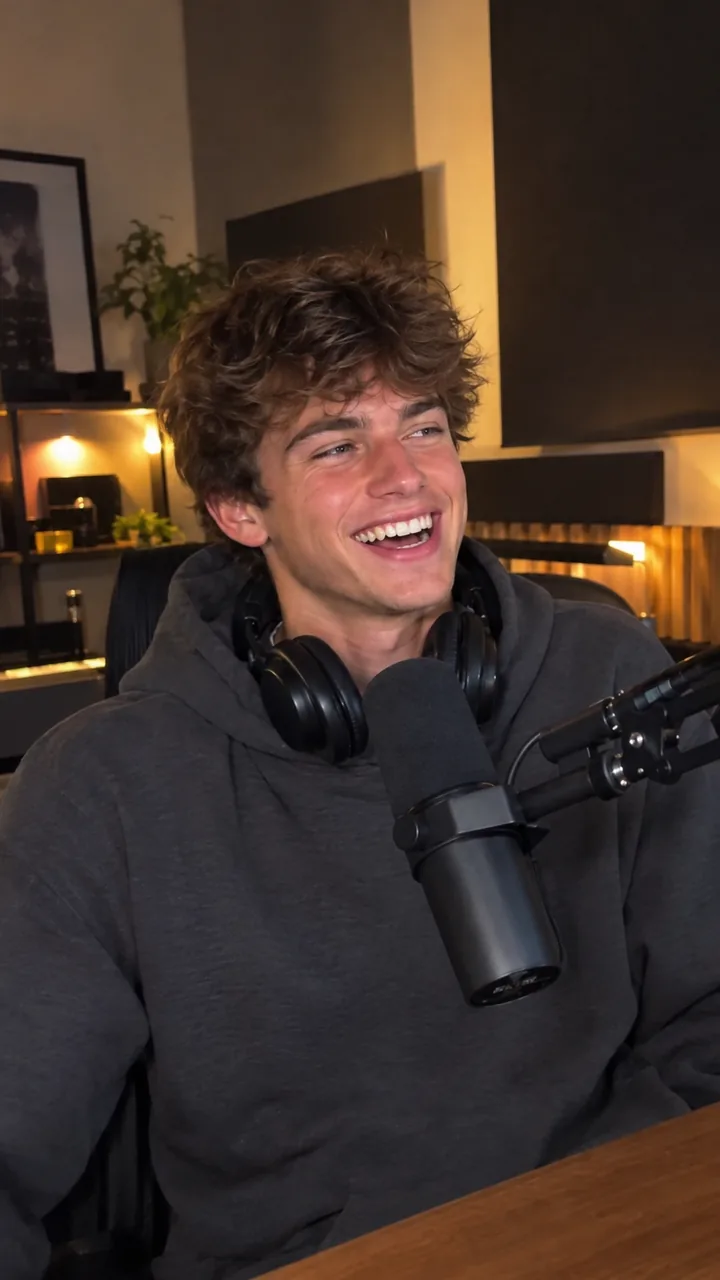
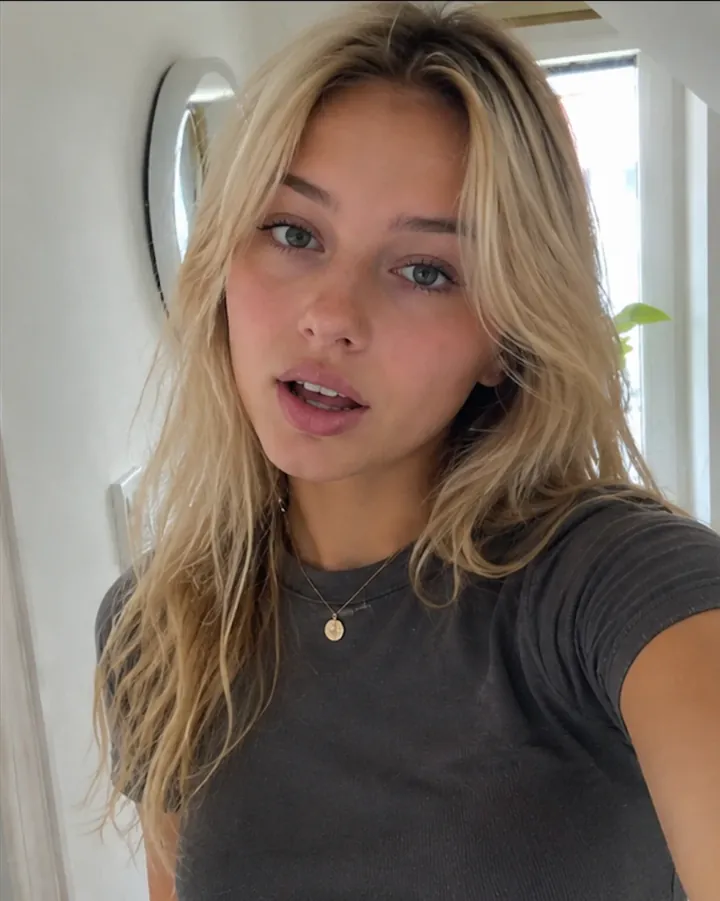
- Every prompt needs persona, setting, camera, action and audio.
- Ask for handheld, phone-shot, natural light, 9:16.
- Cut "cinematic," "ultra detailed" and "studio lighting" for UGC.
- Reuse one fixed character description to keep the same actor.
- A raw clip still needs a script, lip-sync, captions and export. EchoUGC does all of it from one line.
Anatomy of a UGC prompt: persona, setting, camera, action, audio
AI video models respond best to specific, concrete prompts. For UGC, cover these five parts in order:
| Part | What to specify | Example |
|---|---|---|
| Persona | Age range, look, clothing, energy | Woman in her late 20s, messy bun, oversized hoodie, upbeat |
| Setting | A real, slightly lived-in place | Small apartment kitchen, morning, dishes in the sink |
| Camera | Phone, handheld, framing, angle | Front-facing phone camera at arm's length, slight shake |
| Action | One clear action with the product | Holds the bottle up to the lens, then shakes it |
| Audio | Speech, tone, room sound | Speaks casually to camera, light room echo |
Then add format: vertical 9:16. TikTok recommends 9:16 and suggests exporting at 1080x1920, and it tells advertisers to use a "DIY or not overly polished style." That one line is the whole philosophy of UGC prompting. For more on realism, see how to make realistic AI UGC.
Sources: TikTok: Creative best practices, TikTok Video Advertising Guide
Words that make AI look fake (and swaps)
Most "too AI" footage comes from prompts written like film briefs. Swap these:
| Instead of | Write |
|---|---|
| Cinematic, epic, dramatic | Casual, filmed on a phone, everyday |
| Studio lighting, golden hour glow | Window light, overhead kitchen light |
| Ultra HD, ultra detailed, hyperreal | Slight grain, phone camera quality |
| Smooth dolly shot, drone shot | Handheld, slight shake, selfie angle |
| Model, flawless skin | Normal person, natural skin texture |
| Perfect, pristine room | Lived-in room, a few things out of place |
Prompt for a phone in someone's hand, not a camera on a crane.
Talking-head prompts (1 to 8)
Replace the brackets. Keep each prompt to one person, one place and one action.
- Woman in her late 20s in a small kitchen, morning window light, front-facing phone at arm's length, talks excitedly to camera about [product], vertical 9:16.
- Man in his 30s sitting in a parked car, daylight, phone on the dashboard, leans in and speaks casually to camera, slight road noise.
- College student on a dorm bed, string lights, holds phone above face, whispers like sharing a secret about [product].
- Woman in her 40s on a sofa, evening lamp light, handheld selfie, relaxed tone, gestures with one hand while talking.
- Man in gym clothes in a locker room, fluorescent light, selfie angle, slightly out of breath, talks to camera between sets.
- Young woman walking down a city sidewalk, overcast daylight, phone held out front, talks while walking, street sound.
- Man in a home office, desk lamp, laptop behind him, webcam-style framing, explains [problem] with a frustrated tone.
- Woman in a bathroom mirror, overhead light, films her reflection, points at [product] on the counter while talking.
Product-in-hand and demo prompts (9 to 15)
- Close-up of hands opening [product] on a kitchen counter, phone camera from above, natural light, slight shake.
- Woman applies [skincare product] to her cheek in a bathroom mirror, phone selfie, natural skin texture, overhead light.
- Man pours [drink powder] into a shaker at a gym bench, shakes it, takes a sip, handheld phone.
- Hands use [cleaning tool] on a stained couch cushion, before and after in one continuous shot, living room light.
- Person sets up [gadget] on a desk in one take, phone propped on a book, daylight from a window.
- Woman holds [product] next to her face and turns it to show the label, cafe background, handheld selfie.
- Man tests [kitchen tool] on vegetables, fast casual cuts implied by quick hand movements, overhead phone angle.
TikTok advises showing the product in use within the first two seconds, so put the action first in these prompts, not at the end.
Unboxing prompts (16 to 20)
- Hands cut open a shipping box on a bedroom floor, pull out [product], phone held above, daylight.
- Woman on a sofa opens a gift-style box, lifts the lid slowly, genuine surprised smile, handheld selfie.
- Man at a kitchen table lays out every item from [kit] one by one, overhead phone, natural light.
- Person peels the protective film off [device], close-up, satisfying slow movement, phone camera.
- Young woman at her front door picks up a package, walks inside and opens it, handheld follow shot.
Keeping the same actor across clips (21 to 25)
Character drift is the biggest headache in raw model workflows. The fix is a fixed character block you paste, word for word, into every prompt, ideally combined with a reference image if your model supports one.
- Character block: "Maya: woman, about 28, shoulder-length dark curly hair, small gold hoops, sage green hoodie, light freckles." Paste it at the start of every Maya prompt.
- [Character block], same kitchen as before, now holding [product], talks to camera, phone at arm's length.
- [Character block], same outfit, sitting in a parked car, reacts to [product] result, selfie angle.
- [Character block], same apartment, opens a package on the sofa, handheld.
- [Character block], walks out the front door holding [product], waves at camera, daylight.
Change only the setting and action between prompts. Change the outfit and you will often get a different person.
Why raw model prompts are not finished ads
A great clip from a text-to-video model is a shot, not an ad. To turn it into something you can run you still need:
- A script with a hook, problem, proof and call to action.
- Lip-sync that matches the actor's mouth to the words.
- Your real product in frame, consistently.
- Captions for sound-off viewers.
- Export in 9:16 at a size the platforms accept.
- A disclosure. TikTok requires AI content in ads to be labeled, and YouTube requires creators to disclose realistic altered or synthetic content.
Skip the prompts: make it in EchoUGC
EchoUGC is an AI UGC Ad generator, so you do not write video prompts at all. You describe your product in one line, and it writes the script, casts a realistic AI actor with native lip-sync, places your product photo in every scene and delivers a finished 1080p 9:16 ad with burned-in captions, usually in minutes.
- One line in. "[Brand] vitamin C serum for dull morning skin."
- Pick format and actor. Talking, Demo or Unboxing. Library actor, auto-pick, a saved actor for consistency, or your own photo with permission.
- Set the feel. One location or multiple scenes, still, natural or lively movement, captions on.
- Download. A finished ad, sized for TikTok, Reels, Shorts and Meta.
A saved actor keeps the same face across videos without a character block, and Image mode makes UGC-style stills in 9:16, 1:1, 4:5 or 16:9. Compare options in best AI UGC tools or see EchoUGC vs Higgsfield.
Sources: TikTok Ads Policy, YouTube: Disclosing altered or synthetic content
Frequently asked questions
What is a good prompt for AI UGC?
Name the persona, setting, camera, action and audio, and ask for a handheld phone look, natural light and a vertical 9:16 frame. For example: woman in her late 20s in a small kitchen, morning window light, front-facing phone at arm's length, talks to camera about the product.
How do I prompt an AI video model for UGC?
Write like you are describing a phone video, not a film: one person, one real place, one action with the product, casual speech and natural light. Avoid cinematic, studio and ultra-detailed style words, and specify vertical 9:16.
How do I keep the same AI character in every video?
Write a fixed character description with age, hair, clothing and one distinctive detail, and paste it word for word into every prompt, ideally with a reference image. In EchoUGC you can save an actor to Your actors and pick it again for each video.
Why do my AI UGC videos look cinematic instead of real?
Usually the prompt asks for it. Words like cinematic, epic, studio lighting, ultra detailed and drone shot push models toward commercial footage. Swap them for handheld, phone camera, window light and lived-in room.
Do I need prompts to use an AI UGC tool?
Not with EchoUGC. You describe your product in one line and it writes the script, casts an AI actor with lip-sync, adds captions and exports a finished 9:16 ad, usually in minutes.
Make your first AI UGC Ad for $11
Describe your product in one line. EchoUGC writes the script, casts an AI actor and delivers a captioned 9:16 video, sized for TikTok, Reels and Shorts. The $11 first week gives you 100 credits, enough for one finished video, then continues on Starter at $49 a month after 7 days. Cancel anytime from your account.
Start creating