
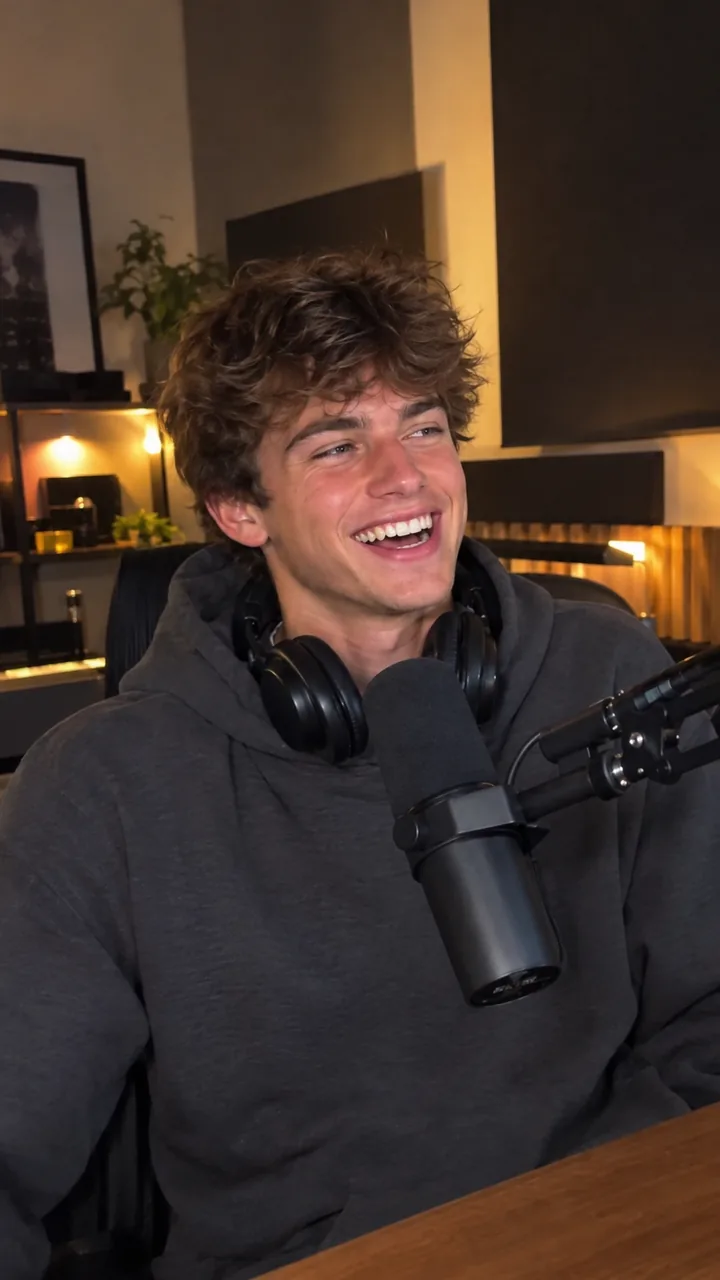
- Most "fake" AI UGC is a script problem: brand voice, perfect grammar, no specifics.
- Cast for your buyer and match the setting to the product.
- TikTok recommends a DIY, not overly polished look, and showing the product in use within 2 seconds.
- Captions matter: Meta found 41% of videos were basically meaningless without sound.
- Realistic is not deceptive. Disclose AI where platforms and laws require it.
Why AI UGC looks fake: the 5 tells
Viewers decide whether something feels real in about a second, long before they could explain why. When AI UGC fails that test, it is almost always one of these five tells:
- Brand voice. "Elevate your skincare ritual" is not something a person says to a friend.
- Model casting. A flawless 22-year-old selling orthopedic insoles to retirees.
- Studio perfection. Locked-off camera, perfect lighting, empty background.
- Off-beat speech. Lips slightly out of sync, robotic pacing, no breaths or pauses.
- A missing product. Someone talks about a thing you never actually see.
The 11 fixes below address each one. You can apply them in any tool, and they are the same principles behind how to make AI UGC Ads that convert.
Fixes 1 to 3: write how customers talk, not how brands talk
1. Use customer words
Read your reviews, support emails and comments, and copy their phrasing. "My face isn't shiny by lunch anymore" beats "controls excess sebum" every time.
2. One idea per sentence
Short sentences, contractions, the occasional fragment. People talk in bursts. Cut every adjective a customer would not use.
3. Add one specific detail
Specifics feel real: "two drops", "sits fine under makeup", "fits in a cup holder". Vague praise feels like an ad. Keep it honest: specifics must be true product facts or real review themes.
Hook: "Okay, the couch stain everyone pretends isn't there."
Body: "This is [Brand] upholstery cleaner. Spray, wait a minute, blot. That's it. No scrubbing, no weird smell after."
CTA: "Link's below if your couch needs it too."
More templates in our AI UGC script template.
Fixes 4 and 5: cast for your buyer, not for beauty
4. Match the actor to the buyer
Age, style and energy should match the person you are selling to. UGC works because viewers think "that's someone like me," and a model look breaks that instantly.
5. Match the setting to the product
Skincare in a bathroom, food in a kitchen, a gadget at a desk or in a car. A believable place does half the work of a believable person.
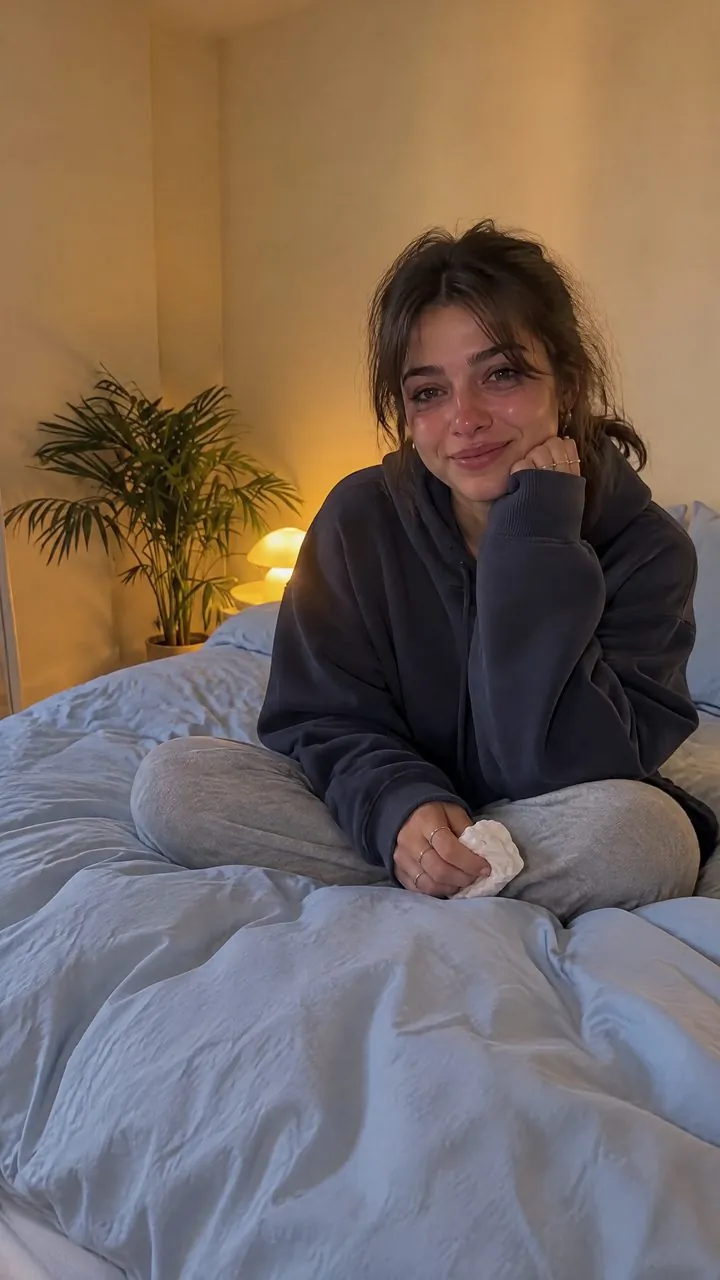
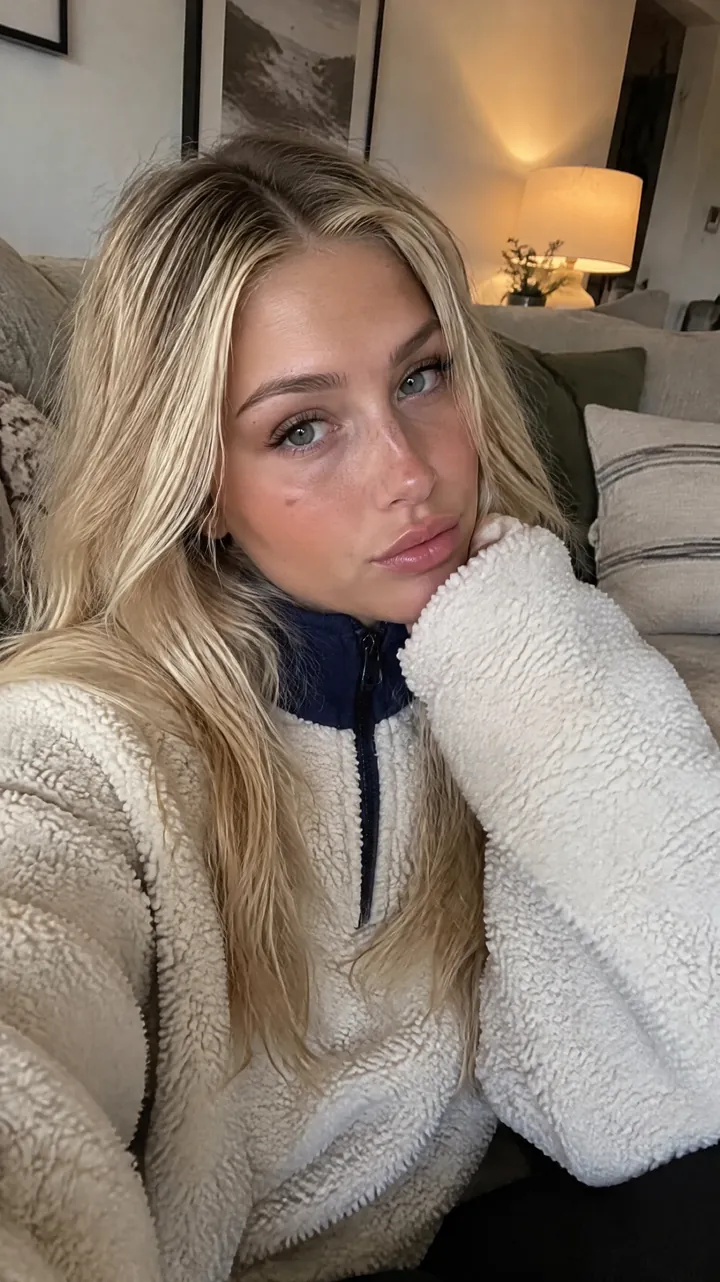
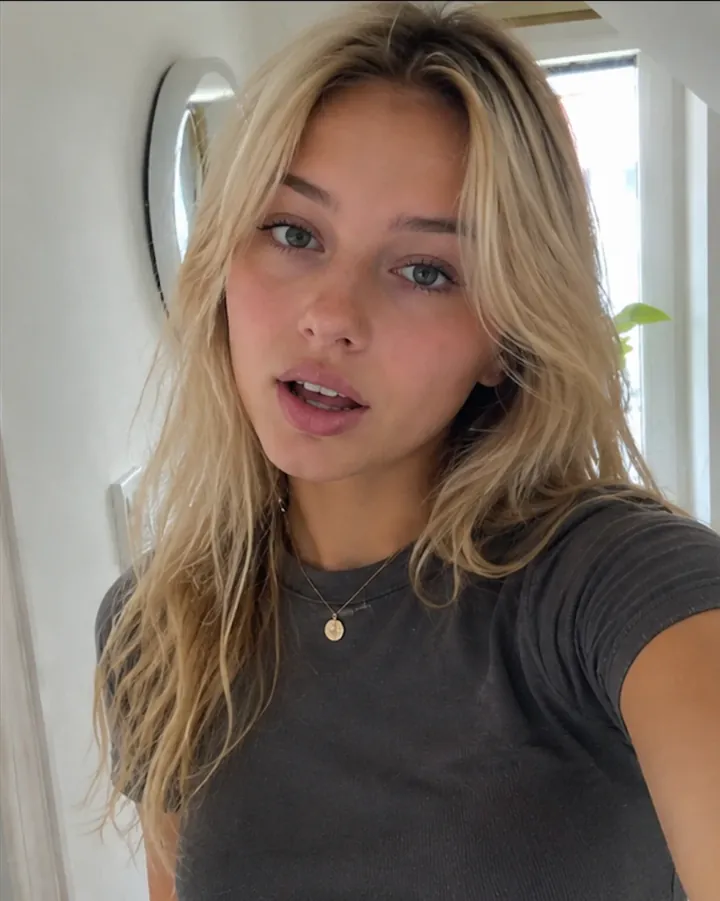
In EchoUGC you can browse the AI actor library by category, filter it by gender, age, setting and skin tone, or let it auto-pick. See what are AI actors for more on casting.
Fixes 6 and 7: phone-shot framing, natural lip-sync and pacing
6. Keep it phone-shot and a little imperfect
TikTok's creative best practices tell advertisers to use a DIY, not overly polished UGC look. Vertical 9:16, arm's-length framing, natural light and a bit of movement read as a real person filming themselves. Perfectly still, perfectly lit shots read as an ad.
7. Get the voice right
Nothing breaks the illusion faster than lips that lag the words. Use a tool with native lip-sync, so the mouth is generated with the speech rather than pasted over it. Then write for pacing: short lines, natural pauses, and the occasional "honestly" or "okay, so" where a real person would say it.
Source: TikTok creative best practices
Fixes 8 and 9: show the real product early, with native captions
8. Show the real product in the first 2 seconds
TikTok's video advertising guide says to show the product in use within the first 2 seconds. Using a real photo of your actual product also builds trust: viewers see exactly what arrives at their door.
9. Caption it like a creator would
Meta found 41% of videos were basically meaningless without sound, and that captioned video ads increase view time by an average of 12%. Use bold, simple burned-in captions, keep on-screen text near TikTok's guidance of 5 to 10 words per second, and keep it out of the platform safe zones so the caption is never covered by buttons.
Sources: TikTok Video Advertising Guide, Meta video ad tips, TikTok creative best practices
Fix 10: keep the actor consistent across a series
Real creators post more than once. When a hook wins, keep the same actor for the follow-ups: new hooks, a Demo version, an Unboxing version. A familiar face across a series feels like a person with ongoing opinions, not a one-off ad. It also keeps your tests clean, because you change the message while holding the messenger steady.
In EchoUGC, the actors you add, upload or save stay in Your actors, so you can pick the same one for every new brief.
Fix 11: realism does not mean hiding that it is AI
The goal is an ad that feels natural, not one that tricks people. Platforms and lawmakers draw that line clearly:
- TikTok allows AI content in ads with its AIGC label or your own clear disclaimer, and rejects or restricts undisclosed AI ads.
- YouTube requires creators to disclose realistic altered or synthetic content, and shows a label in the expanded description or, for photorealistic content, on the video player.
- New York requires conspicuous disclosure of synthetic performers in ads from June 9, 2026.
Disclosure does not kill performance if the ad is useful. Smartly found 73% of US consumers say it is okay for AI to help make ads if that makes them more relevant, while only 13% trust an ad made entirely by AI the most. Relevance, honesty and a real product on screen close that gap. See AI ad disclosure labels and is AI UGC legal.
Sources: TikTok ads policy, YouTube, Cooley, Smartly
Make realistic AI UGC in EchoUGC
EchoUGC builds most of these fixes into every render, so realism is the default rather than a checklist. Describe your product in one line and it writes a conversational script, casts a realistic AI actor with native lip-sync, and delivers a finished 9:16 ad with burned-in captions. Brief to export takes minutes.
- Describe the product in plain words. Or pick an idea starter like problem and fix or myth-busting.
- Add a product photo. It is placed in every scene, so the real product is on screen from the start.
- Pick a buyer-matched actor, or upload your own actor photo with that person's permission.
- Set movement to natural or lively for a handheld, creator feel (Demo and Unboxing offer still or natural), and for Talking ads choose one location or multiple scenes.
- Keep captions on and export in 1080p.
At about $9 to $12 per finished ad, you can try several actors and hooks for less than one creator video, which Influee puts at $150 to $212. Failed renders and quality-check rejections refund automatically. Start with one ad on your own product for $11. See pricing.
Source: Influee UGC rates
Frequently asked questions
How do I make AI UGC look real?
Write in customer language, cast an actor who matches your buyer, use phone-style framing and natural light, choose a tool with native lip-sync, show the real product in the first 2 seconds and add simple burned-in captions.
Can people tell if a UGC Ad is AI?
Sometimes, mostly from brand-voice scripts, model casting or out-of-sync lips. Platforms can also detect and label AI: Meta said it would detect ads made with third-party AI tools through industry-standard signals. Aim for natural, not hidden, and disclose AI where required.
Why does my AI avatar look fake?
The usual causes are a polished brand script, a studio-perfect setting, robotic pacing or lip-sync that lags the audio. Rewrite the script in customer words, move to an everyday setting and use a tool with native lip-sync.
Should AI UGC be perfect or imperfect?
Slightly imperfect. TikTok's creative best practices recommend a DIY, not overly polished UGC look. Natural movement, casual framing and conversational pacing read as real; studio polish reads as an ad.
Is there a UGC AI detector?
Some tools claim to detect AI video, and platforms are adding their own detection: Meta said it would label ads made with third-party AI tools in About this ad. Assume AI can be detected and disclose it where TikTok, YouTube or the law requires.
Make your first AI UGC Ad for $11
Describe your product in one line. EchoUGC writes the script, casts an AI actor and delivers a captioned 9:16 video, sized for TikTok, Reels and Shorts. The $11 first week gives you 100 credits, enough for one finished video, then continues on Starter at $49 a month after 7 days. Cancel anytime from your account.
Start creating