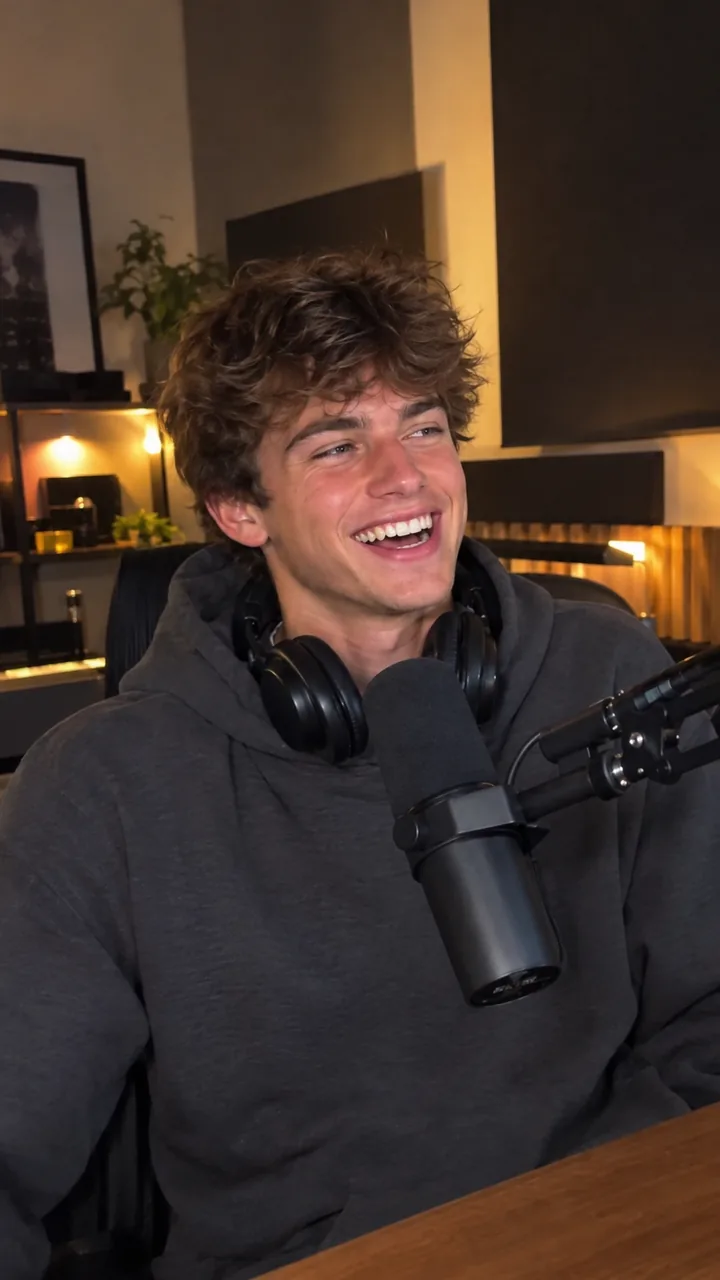
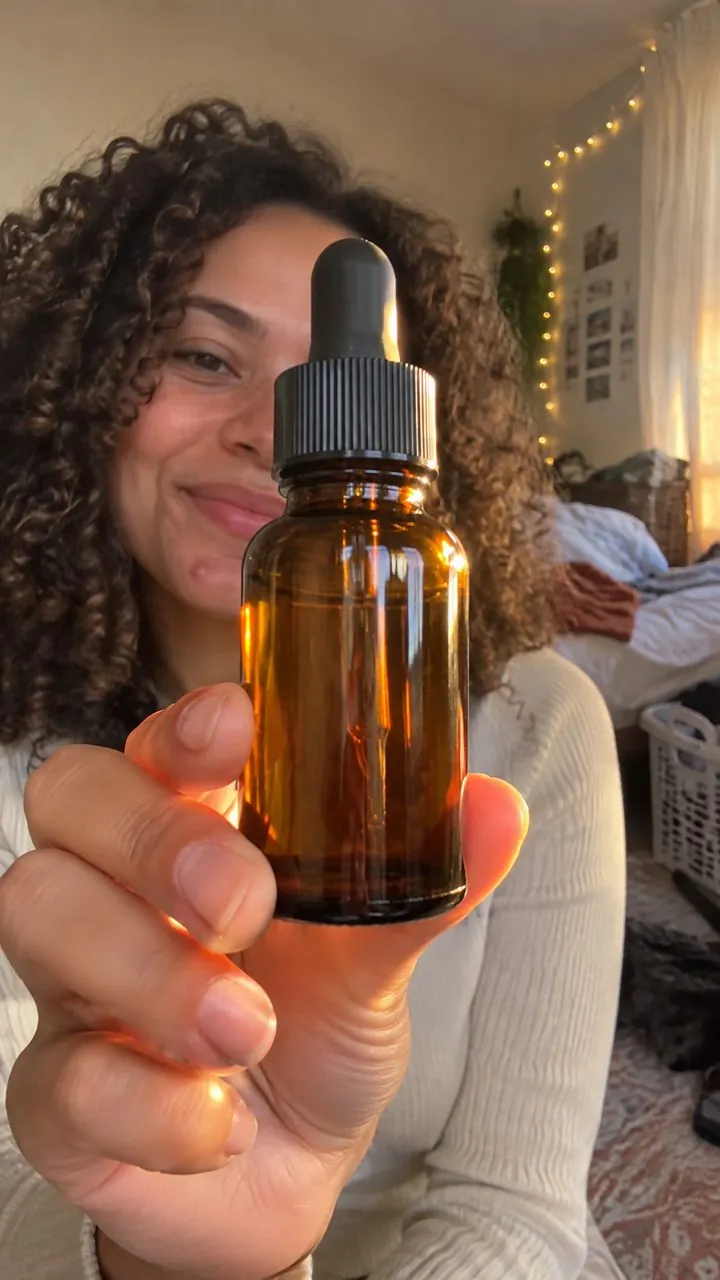
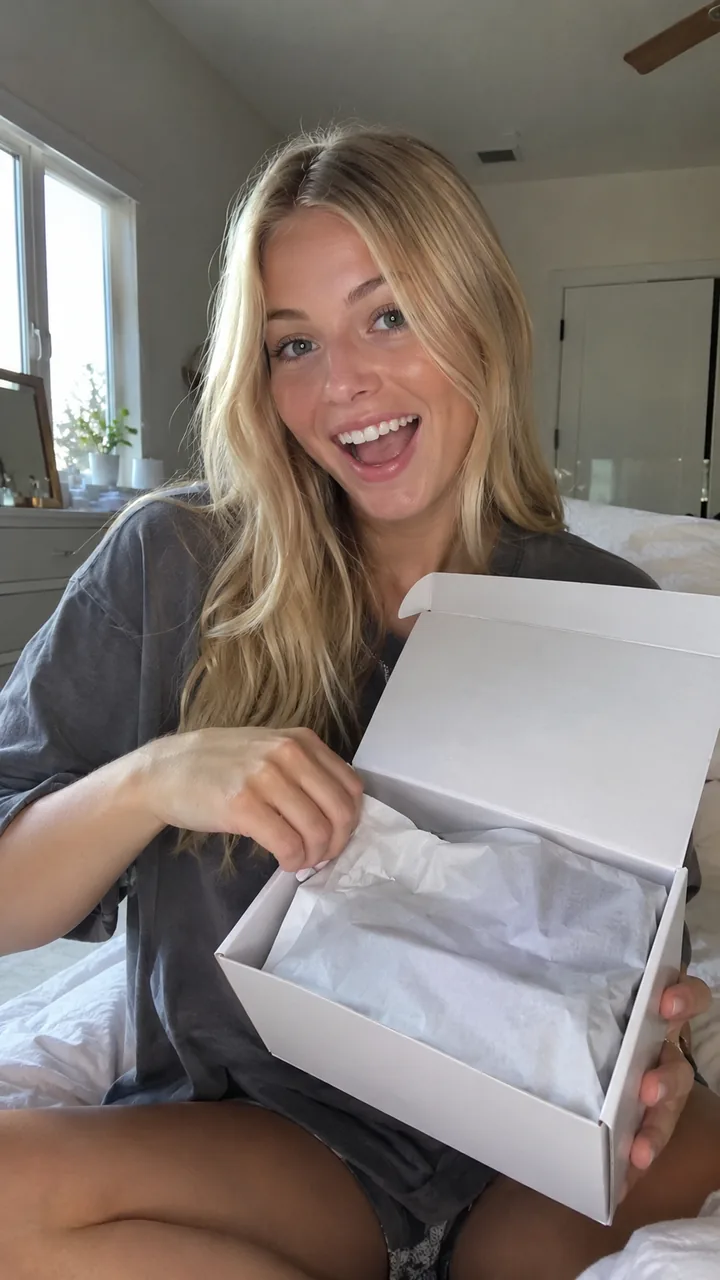
- TikTok says 21 to 34 second videos perform best, with the product shown in use within the first 2 seconds.
- Cast an actor who looks like your buyer, not a model. Relatability is the whole point of UGC.
- Burn in captions and keep text out of Meta's Reels safe zones (about 14% top, 35% bottom, 6% sides).
- Disclose AI on TikTok and expect AI labels on Meta. Undisclosed AI ads on TikTok get rejected or restricted.
- EchoUGC turns one line into a finished ad in minutes for about $9 to $12, versus $150 to $1,200 for a creator video.
What you need before you start
AI removes the filming, not the thinking. Before you open any tool, write down three things:
- A product and one clear photo of it, ideally on a plain background. Demo and unboxing ads need it.
- An angle: the single reason a stranger should care. "Fixes shiny skin by noon" beats "premium skincare" every time.
- An offer: what you want viewers to do next, such as a first-order discount, free shipping or a trial offer.
If you are new to the format, start with what AI UGC is. The short version: an AI actor delivers a phone-style, creator-style video about your product, without a shoot, a creator contract or a shipping box.
Step 1: Pick one angle and one buyer
The most common reason AI UGC Ads flop has nothing to do with the AI. The script tries to say everything to everyone. Pick one buyer ("busy parents who hate meal prep") and one angle, then write every line for that person.
Angles that work well in UGC format:
- Problem and fix: name the pain, then show the product solving it.
- Myth-busting: "You don't need a 10-step routine."
- Objection: answer the reason people don't buy, like "Is it really worth $40?"
- Contrarian: say the opposite of what the category usually claims.
- Reveal: hold the product back until the payoff.
- 3 reasons: a simple list that keeps people watching to the end.
Each angle is its own ad. Three different angles teach you far more than three versions of the same one. For more openers, see our UGC Ad hooks guide.
Step 2: Write a 21 to 34 second UGC script
TikTok's own video advertising guide says ads can run up to 60 seconds, but "21-34 seconds performs best." It also says to grab attention in the first 3 seconds and show the product in use within the first 2. TikTok's creative best practices add one more rule: prioritize your hook in the first 6 seconds.
So use a three-part structure: a hook that names the problem or the buyer, a body with one or two specific details, and a direct call to action. Write the way people talk: short sentences, contractions, one idea per line.
Hook: "If your skin looks dull by 3pm, your moisturizer probably isn't the problem."
Body: "Most routines skip the step that actually adds glow. This is [Brand] vitamin C serum. Two drops in the morning, it sinks in fast, and it sits fine under makeup. The thing reviewers mention most? They look more awake in photos."
CTA: "It's 20% off your first order right now. Tap the link and give it a month."
Base any claim about results on real customer reviews and real product facts. An AI actor can deliver a testimonial, but the experience behind it has to be genuine. See is AI UGC legal and our AI UGC script template.
Sources: TikTok Video Advertising Guide, TikTok creative best practices
Step 3: Cast an AI actor who looks like your customer
Cast for your buyer, not for a model look. A woman in her 60s talking about a gentle face cream will usually feel more believable to her peers than a 22-year-old fitness influencer, because viewers think "that's someone like me." Match age, style and setting: a kitchen for food, a bathroom for skincare, a car or a desk for gadgets.

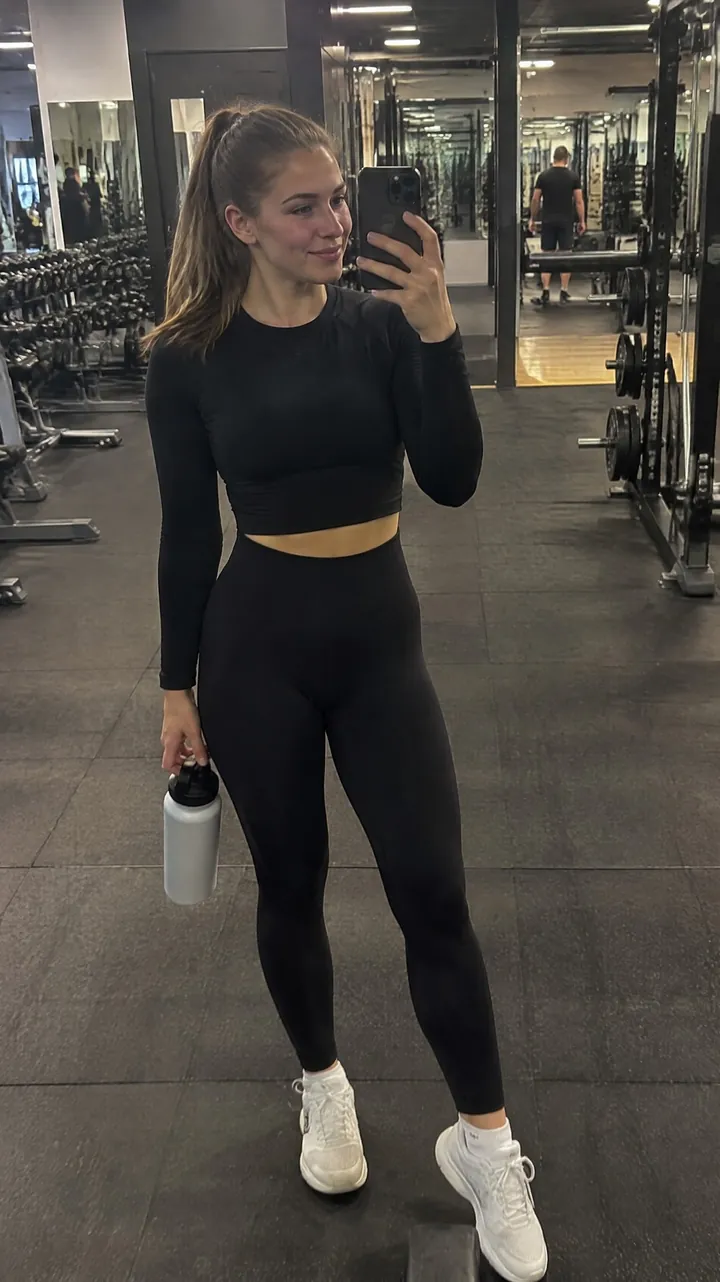
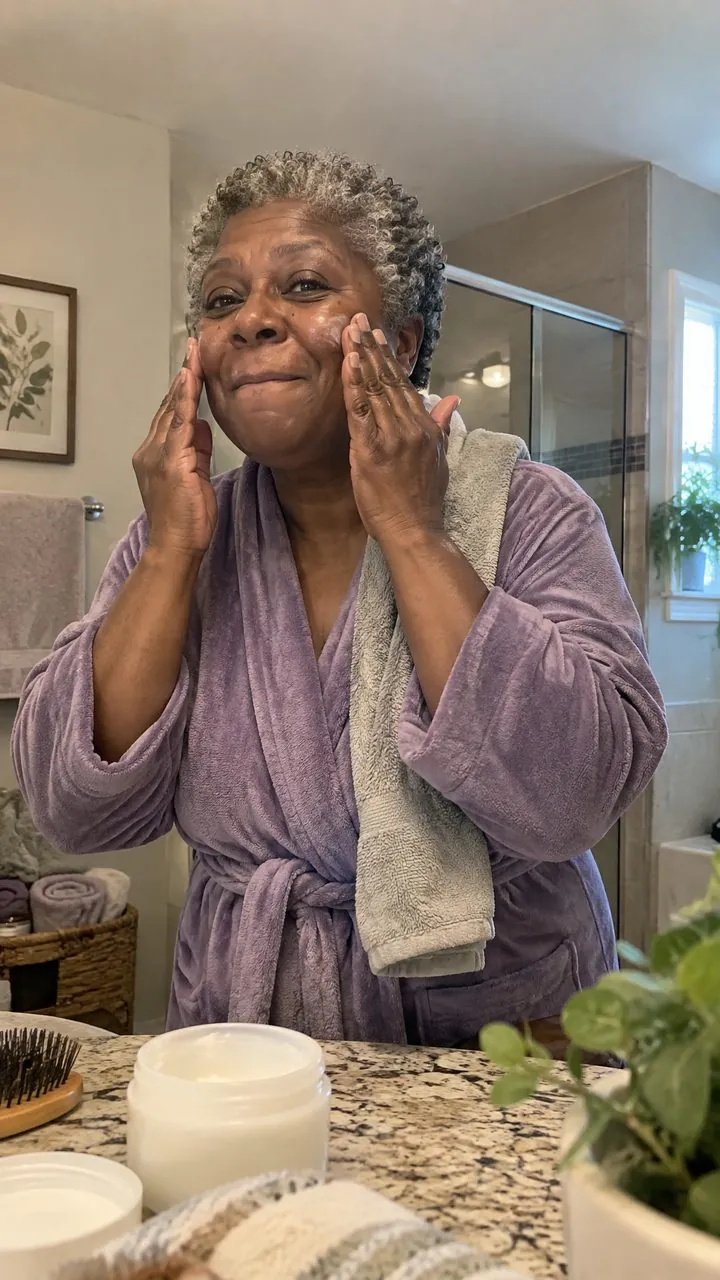
Once a face works, keep it for the series. Repeating a familiar actor across new hooks lets you test the message, not the casting. In EchoUGC you can pick from the AI actor library, let it auto-pick, reuse an actor saved in Your actors, upload your own actor photo with that person's permission, or create an actor as an AI image. More on casting in what are AI actors.
Step 4: Choose the format: talking head, demo or unboxing
| Format | What viewers see | Best for | You need |
|---|---|---|---|
| Talking | The actor talks straight to camera ("yapper" style) | Hooks, stories, objections | A one-line brief |
| Demo | The actor shows the product in use | Showing how it works, fast proof | A product photo |
| Unboxing | The actor opens the box on camera | Gifts, beauty, launches, perceived value | A product photo |
Start with Talking ads for hook testing, because they are the quickest way to compare messages. Then move winning angles into Demo, which also makes it easy to follow TikTok's advice to show the product in use early. See AI unboxing and demo ads for examples of both.
Step 5: Captions, safe zones and 9:16 export
- Vertical 9:16. TikTok's video guide recommends exporting at 1080x1920 or higher. Its creative best practices allow a lower minimum resolution, so treat 1080x1920 as the target.
- Burned-in captions. Meta reports that captioned video ads increase view time by an average of 12%, and found that 41% of videos were basically meaningless without sound. Keep on-screen text near TikTok's 5 to 10 words per second.
- Safe zones. Meta's Reels specs say to leave roughly 14% at the top, 35% at the bottom and 6% on each side free of text and key elements, so captions never collide with the profile icon or CTA button.
It pays off: in a meta-analysis of 15 split tests, Meta found 9:16 Reels video with audio and key messages in the safe zone delivered 34.5% lower cost per result than image ads.
Sources: Meta video ad tips, Meta Reels ads, Meta Reels ad specs, TikTok creative best practices
Step 6: Label it correctly on Meta and TikTok
AI UGC is allowed on the major ad platforms, but it has to be disclosed.
- TikTok allows AI-generated content in ads if you apply its AIGC label or add your own clear disclaimer, caption, watermark or sticker. Its policy is blunt: undisclosed AI content means the ad "will be rejected or restricted." A fully AI-generated video counts as significant AI use. The Ads Manager AI disclaimer shows at the bottom of the in-feed ad for its full duration.
- Meta adds an "AI info" label to ads made or significantly edited with its own gen-AI tools, and said it would start detecting ads made with third-party AI tools through industry-standard signals and label them in "About this ad."
Rules exist off-platform too. Read AI ad disclosure labels before you launch.
Sources: TikTok ads policy, TikTok ad disclaimers, Meta AI transparency
Step 7: Launch 3 to 5 variants per ad group and read results
TikTok recommends 3 to 5 different creatives per ad group and 3 to 5 ad groups per campaign. Its video guide suggests testing at $20 to $30 a day, with campaigns needing at least $50 a day, and putting 20 to 30% of your budget into testing.
- Change one thing. Same offer and audience, different hooks or angles, so you know what caused the result.
- Judge the opening first. How many people watch past the first seconds tells you if the hook works long before you have enough purchases to judge.
- Cut losers fast. Keep the winning angle and write fresh hooks for it.
- Refresh on schedule. TikTok suggests new creatives every 2 to 4 weeks, or when delivery shows a consistently declining trend.
For the numbers behind this, see how many ad creatives to test.
Make it in EchoUGC: five ads in an afternoon
EchoUGC was built for exactly this workflow. Describe your product in one line, add a product photo if you have one, and it writes the script, casts a realistic AI actor with native lip-sync, and delivers a finished 9:16 ad with burned-in captions, sized for TikTok, Instagram Reels, YouTube Shorts and Meta. Brief to export takes minutes.
- Describe the product. One line is enough, or start from an idea starter: problem and fix, myth-busting, objection, contrarian, reveal or "3 reasons".
- Pick a format. Talking (one location or multiple scenes), Demo or Unboxing. Set movement to still, natural or lively, and captions on or off.
- Choose an actor. Browse the library, auto-pick, reuse one of Your actors, or upload your own actor photo with permission. Your product photo is placed in every scene.
- Download and launch. Export in 1080p on any plan, then upload to your ad account.
Here is what an afternoon could look like for a [Brand] vitamin C serum: five briefs, one per angle (problem and fix, myth-busting, objection, reveal, "3 reasons"). Each brief makes one finished video, so that is five distinct ads for about 500 credits, roughly $45 on the Scale plan. For comparison, Influee puts a typical creator video at $150 to $212, and JoinBrands says most professional creators charge $500 to $1,200 per video.
Five angles, five finished ads, one afternoon, about $45 on Scale.
You only pay for successful renders: failed renders and quality-check rejections refund your credits automatically, and unused credits roll over. Want to see it on your own product first? The first week is $11 for one finished video, then it continues on Starter at $49 a month after 7 days unless you cancel from your account. See plans and pricing.
Sources: Influee UGC rates, JoinBrands rate guide
Frequently asked questions
How do I make AI UGC Ads for free?
Many AI UGC tools offer a free plan, a trial or a few signup credits, but free output often comes with watermarks, lower resolution or limits on commercial use. EchoUGC has no free plan. The cheapest way to get a finished, ad-ready video in EchoUGC is the $11 first week, which makes one full video on your own product and continues on Starter at $49 a month after 7 days unless you cancel.
How long does it take to make an AI UGC Ad?
Writing a one-line brief takes a few minutes. In EchoUGC, brief to export takes minutes, including the script, the AI actor, lip-sync and captions; longer videos take longer. There is no filming, shipping or revision cycle.
Do I need to film anything for AI UGC?
No. The AI actor, voice and scenes are generated. For Demo and Unboxing ads you only need a photo of your product, which EchoUGC places in every scene.
What is the best length for an AI UGC Ad?
TikTok's video advertising guide says 21 to 34 seconds performs best, with the hook in the first 3 seconds and the product in use within the first 2. EchoUGC lets you pick a length from 15 to 150 seconds, so you can test short and long cuts.
Can I use my own product photos in AI UGC?
Yes. A product photo is required for Demo and Unboxing ads and optional for Talking ads. EchoUGC places your product photo in every scene so the real product appears on screen.
Make your first AI UGC Ad for $11
Describe your product in one line. EchoUGC writes the script, casts an AI actor and delivers a captioned 9:16 video, sized for TikTok, Reels and Shorts. The $11 first week gives you 100 credits, enough for one finished video, then continues on Starter at $49 a month after 7 days. Cancel anytime from your account.
Start creating