- TikTok Shop content and TikTok ads follow two different rulebooks.
- Shoppable videos need at least 3 seconds of dynamic content, not stills or loops.
- LIVEs must use real-time speech: no AI-generated voices.
- Label realistic AI content on ads and organic posts.
- Use AI UGC mainly as labeled paid ads, and keep LIVEs human.
TikTok Shop vs TikTok Ads: two rulebooks
Using AI UGC for TikTok Shop means following two sets of rules at once. Your paid ads follow TikTok's advertising policy. Your shoppable videos and LIVEs follow TikTok Shop's content requirements, plus TikTok's community guidelines.
| TikTok Ads (Ads Manager) | TikTok Shop content | |
|---|---|---|
| Main rulebook | Advertising policies | Seller University: Requirements for High-Quality Videos and LIVEs |
| AI disclosure | AIGC label or your own clear disclaimer | Community guidelines require labels on realistic AI content |
| If undisclosed | Ad rejected or restricted | Content may be removed, restricted or labeled by TikTok |
| Extra rules | Public figure likeness ban | Dynamic content, face and product, real-time LIVE speech |
If you only run ads, read our AI UGC TikTok ads guide. If you sell through Shop, keep reading.
Sources: TikTok Ads Policy, TikTok Shop: Requirements for High-Quality Videos and LIVEs, TikTok Community Guidelines
Shoppable video quality rules: 3 seconds of dynamic content
TikTok Shop's requirements page is short and specific. For videos, it says:
- "Aim for at least 3 seconds of dynamic content without any still images or looping visuals to keep the audience engaged."
- "Include engaging and dynamic visuals, ensuring they feature your face and the physical product."
- "Do not use still, looping, or scrolling images through the entire video without featuring your face and the physical product."
A true AI UGC video, where an actor moves, talks and holds the product, is dynamic content. A slideshow of AI images with a voiceover is not. That is the dividing line most sellers miss.
Note the wording about "your face." TikTok's guidance is written for sellers and creators showing themselves. It does not address AI actors directly, which is why the safest plan below keeps AI UGC in labeled paid ads and keeps your own organic Shop content real.
Sources: TikTok Shop: Requirements for High-Quality Videos and LIVEs
Why still-image and looping AI videos get flagged
Cheap AI shortcuts tend to produce exactly what TikTok Shop prohibits:
- One AI image with a slow zoom and a voiceover for 30 seconds.
- A 2-second AI clip looped to fill a video.
- Scrolling screenshots of a product page.
LIVEs are stricter still. TikTok Shop says: "Do not use non-real-time verbal interaction such as AI-generated voices, audio recordings, or radio." It also bans stills, slideshows, scrolling images or animated content covering more than 50% of the screen in a LIVE. In short, LIVE is for real people speaking in real time.
AI UGC belongs in your ads. Your LIVEs belong to you.
If you do use AI video, choose real motion. In EchoUGC, use the Demo or Unboxing format with Natural movement so the actor moves through the scene and the product is in hand rather than floating on a background.
Sources: TikTok Shop: Requirements for High-Quality Videos and LIVEs
AI disclosure on organic and affiliate posts
On paid ads, TikTok requires the AIGC label or your own clear disclaimer, and rejects or restricts AI ads it finds undisclosed. On organic posts, including shoppable videos, TikTok's community guidelines "require creators to label AI-generated or significantly edited content that shows realistic-looking scenes or people," and say unlabeled content "may be removed, restricted, or labeled by our team."
In the US, there is also the FTC's testimonial rule, which bans reviews and testimonials that misrepresent that they are by someone who does not exist. The FTC says there is no blanket ban on AI avatars in marketing, but a fake or false testimonial is prohibited. So an AI actor can present your product. It should not pretend to be a real customer with real results.
General information, not legal advice. See is AI UGC legal and AI ad disclosure labels.
Sources: TikTok Ads Policy, TikTok Community Guidelines, FTC final rule, FTC rule Q&A
Showing the physical product: the safest AI format
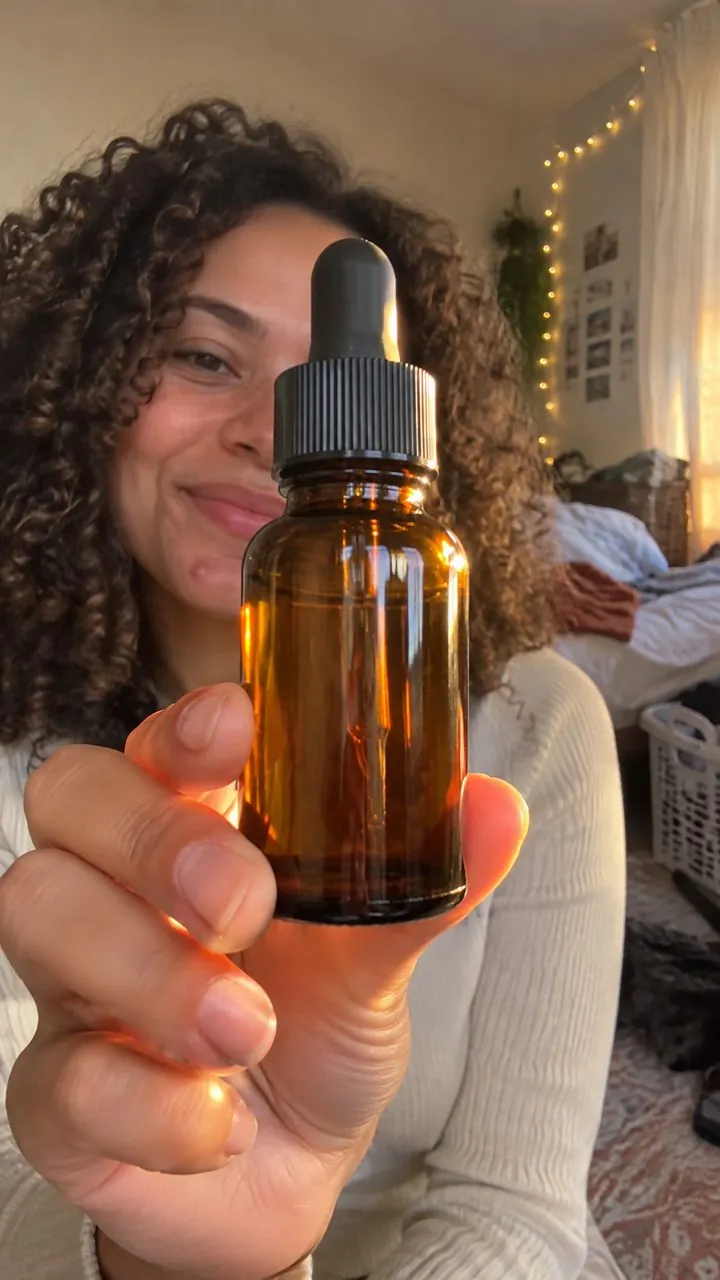
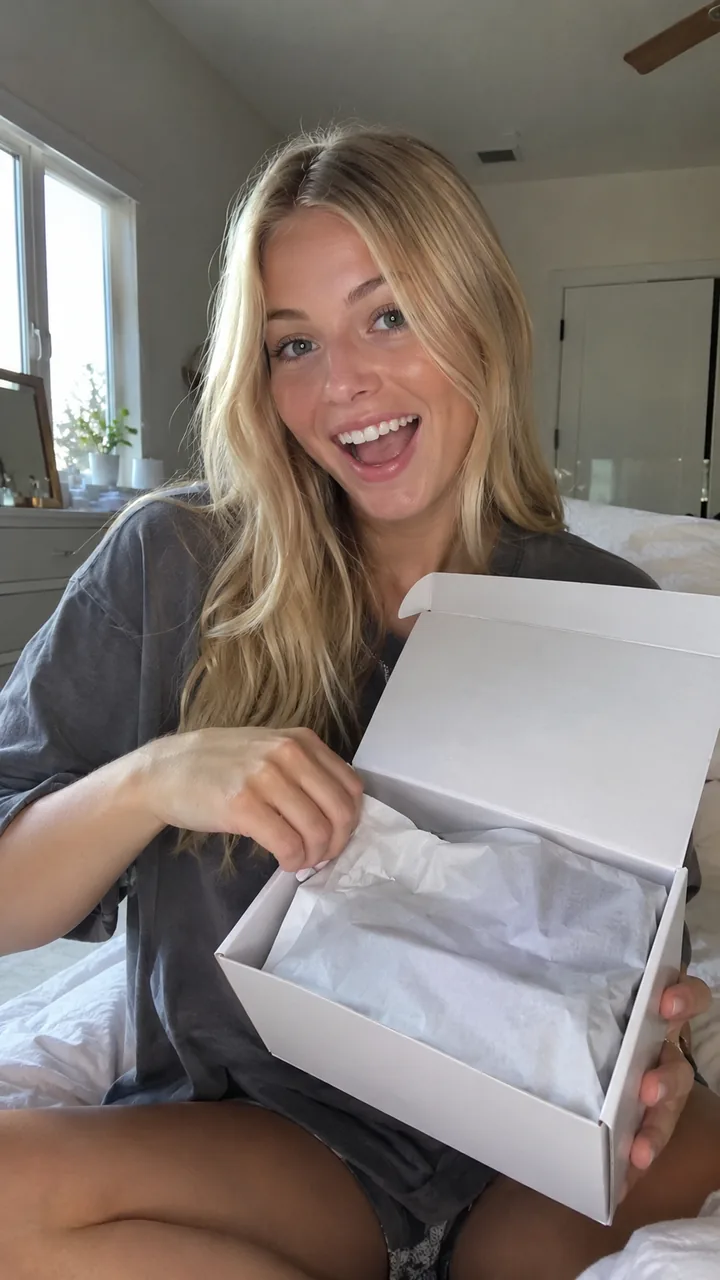
TikTok Shop keeps coming back to one idea: show the real product. For AI UGC, that points to two formats:
| Format | What the viewer sees | Shop fit |
|---|---|---|
| Demo | The actor uses the product on camera | Strong: the product in use, early |
| Unboxing | The actor opens the box and reacts | Strong: packaging and product in hand |
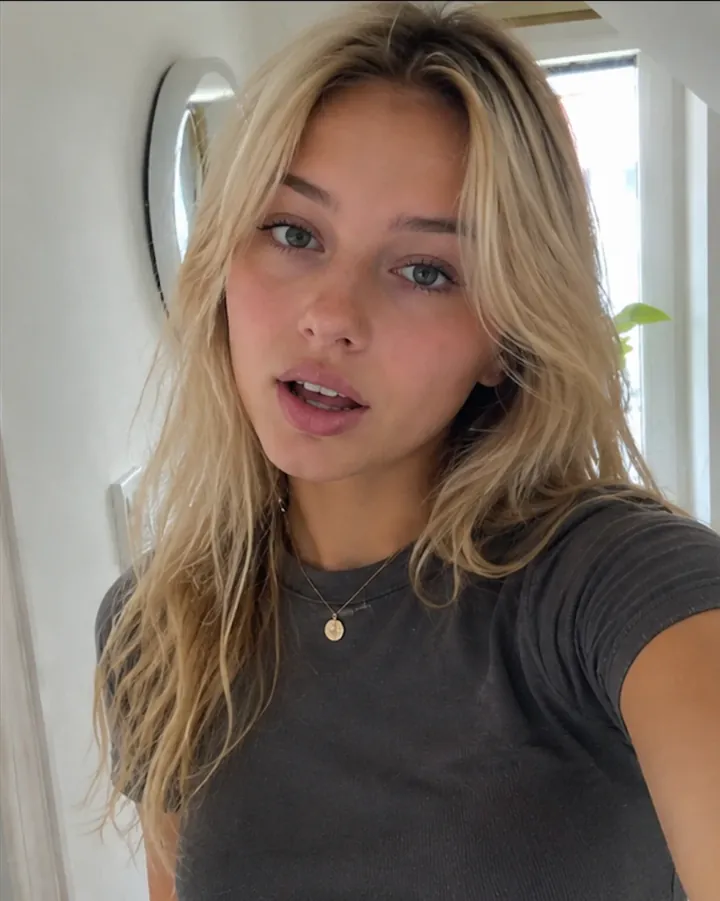
| Talking | The actor talks to camera | Good for hooks; add the product in frame |
Both Demo and Unboxing in EchoUGC use your product photo, which is placed in every scene, so the item the viewer sees matches the item they buy. That also lines up with TikTok's general ad advice to "show the product in use within the first two seconds." For more on these formats, see AI unboxing and demo ads.
Sources: TikTok Video Advertising Guide
Affiliate creators using AI: what brands allow
Each brand decides whether its affiliates may post AI-generated videos, and many have not written it down yet. If you run an affiliate program, put the rules in your creator brief so nobody guesses:
- Label any realistic AI content, every time.
- No public figure faces or voices. TikTok prohibits misusing a public figure's likeness without permission, including false endorsements.
- No invented personal results or "I lost 10 pounds" style claims.
- Real motion and the real product in frame, per TikTok Shop's video rules.
- LIVEs stay human and real time.
If you are an affiliate, ask the brand before posting AI videos for its products, and remember that violations land on your account, not the brand's.
Sources: TikTok Ads Policy, TikTok Shop requirements
A compliant AI UGC workflow for Shop sellers (with EchoUGC)
Here is the setup that gets you AI's speed and price without gambling your Shop account:
- Keep LIVEs and core organic posts human. Real people, real time, real product.
- Brief your ads in EchoUGC. Describe the product in one line and add a product photo. Choose Demo or Unboxing, Natural movement, captions on.
- Test angles. Write separate briefs for a problem and fix, an objection and a reveal. Each brief makes one finished video.
- Run them as labeled ads. Download the 1080p 9:16 file, upload it in TikTok Ads Manager and turn on the AI-generated disclaimer.
- Feed winners back. When an angle wins, re-shoot it with your own face for organic Shop content, or hire a creator for it.
Failed renders refund their credits automatically, so you only pay for videos that render. Start with the $11 first week, or see pricing and our guide to making AI UGC Ads.
Frequently asked questions
Is AI UGC allowed on TikTok Shop?
AI content is not banned outright, but TikTok Shop content must meet its quality rules: at least 3 seconds of dynamic content, no still or looping images through a whole video without your face and the physical product, and real-time speech in LIVEs. Realistic AI content must be labeled.
Can TikTok Shop affiliates use AI videos?
Only if the brand allows it and the video meets TikTok Shop's content rules and labeling requirements. Affiliates should ask the brand first, label realistic AI content and never use a public figure's likeness.
Why was my TikTok Shop video restricted?
Common causes include still, looping or scrolling images through the whole video without your face and the physical product, too little dynamic content, or unlabeled realistic AI content. Check TikTok Shop's Requirements for High-Quality Videos and LIVEs.
Do I need to label AI content on TikTok Shop?
Yes for realistic AI content. TikTok's community guidelines require creators to label AI-generated or significantly edited content that shows realistic-looking scenes or people, and paid ads need the AIGC label or your own clear disclaimer.
Can I use AI voiceover on TikTok Shop?
Not in LIVEs. TikTok Shop bans non-real-time verbal interaction such as AI-generated voices in LIVE. For recorded videos and ads, label the AI content and never clone a real person's voice without permission.
Make your first AI UGC Ad for $11
Describe your product in one line. EchoUGC writes the script, casts an AI actor and delivers a captioned 9:16 video, sized for TikTok, Reels and Shorts. The $11 first week gives you 100 credits, enough for one finished video, then continues on Starter at $49 a month after 7 days. Cancel anytime from your account.
Start creating